
Free estimate & quote maker
Send an estimate that wins the job
List the work, send a polished PDF, and turn it into an invoice in one tap when the customer says yes.
Reviews
Loved by people who send estimates
Just what I needed
Easy to put an estimate together and send it to the customer before I leave the job.
Mark’s Repairs · United States Easy to make changes
A customer asked me to change a few things and it only took a minute to update the estimate. Very handy.
Dave Wilson · United Kingdom Simple and professional
Made my first estimate in a few minutes. Everything was clear and the finished document looked professional.
Coastal Painting · Australia Good for my business
I do small renovation jobs and this makes quoting much easier. I like being able to list materials and labour separately.
Pieter K. · South Africa
Features
Everything you need to quote with confidence
Clear prices, a professional look, and no retyping once the job is yours.
Estimates that look the part
Choose a professional template, add your logo and color, and look established from your very first quote.
The price they see is the price you sent
The preview is the exact PDF your customer gets, ready to send or print on A4 or US Letter.
Quote on site, finish at the desk
With Pro, your estimates, customers and items sync between the web and the iPhone and Android apps.
Quote in your customer's language
Make estimates in 13 languages, with every major currency, tax rates and the local number format.
Send it before you leave the job
Measure up, price it and send the estimate from your phone while the customer is still there.
Your prices stay private
Your draft stays in your browser until you save it. We never sell your data.
How it works
From first visit to signed estimate
No spreadsheets, no old Word files. Just your browser.
01
List the work
Add your business, the customer and the labor, materials and extras you're pricing.
02
Make it yours
Pick a template and color, add a validity date and your terms. The preview updates as you type.
03
Send it and get the yes
Sign in with Apple or Google, download the PDF and send it. Accepted? Turn it into an invoice.


Your account
Every quote, from sent to accepted
Sign in to see every estimate you've sent, which ones were accepted and which are about to expire, all in one place.
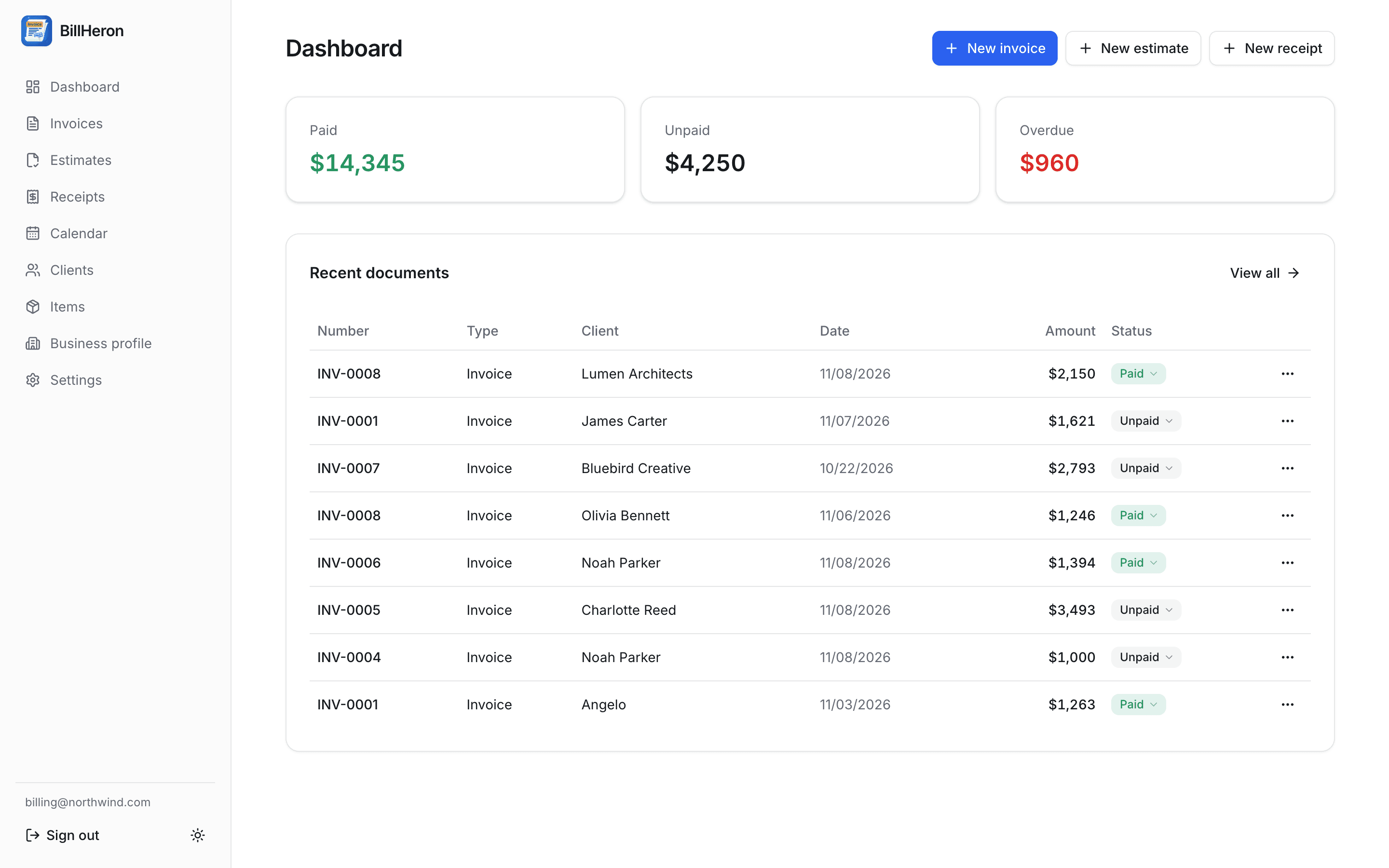
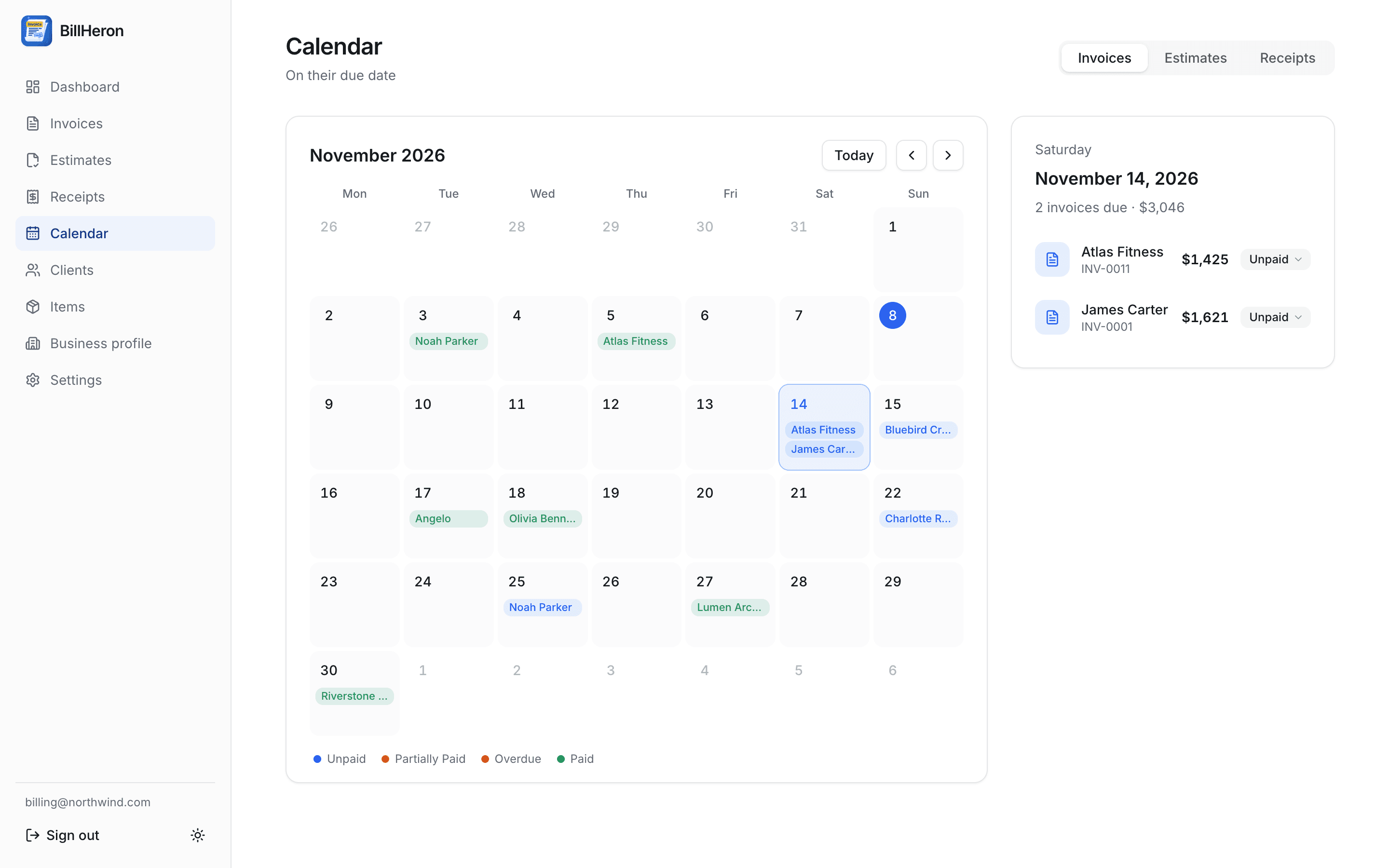
Quotes at a glance
Open, accepted and expired estimates in one list, next to the invoices that followed.
Validity dates
See when estimates expire, so you can follow up before a quote goes cold.
Rates & materials
Save customers, labor rates and materials once and add them to any estimate in a click.
Mobile app
Get Duebeam on your phone
Price jobs on site, send estimates from your phone and turn them into invoices when they're accepted, all in sync.
- Send the estimate before you leave the job
- Add a payment link to collect the deposit
- Everything syncs with the website


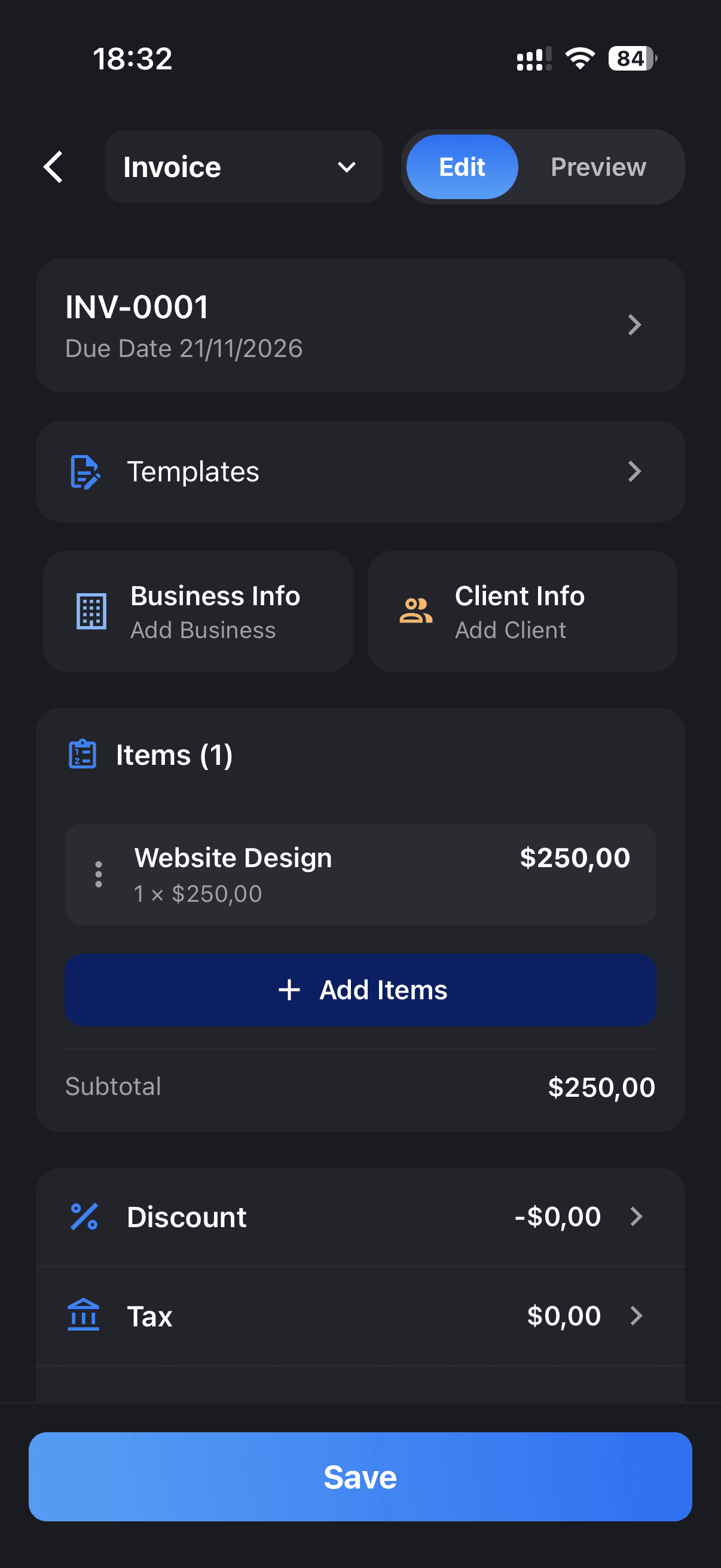
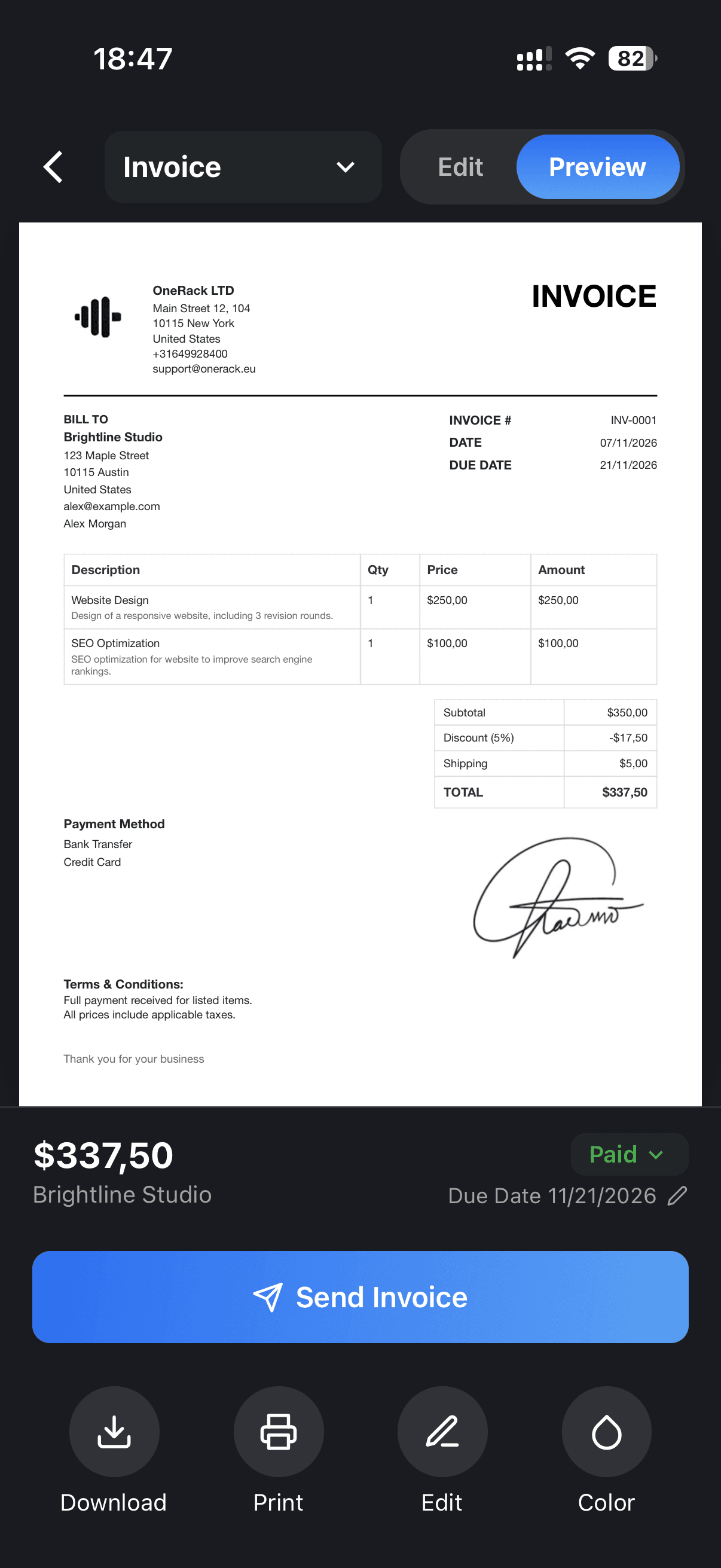

4.9 on the App Store
Frequently asked questions
- Is Duebeam free?
- Yes. You can make estimates and quotes and download them as PDF for free, right in your browser.
- Do I need an account to make an estimate?
- Not to start: fill in your estimate right away. To download the PDF you sign in with Apple or Google. It takes seconds and your draft is kept.
- Does my customer see exactly what I see?
- Yes. The preview and the PDF come from the same template, so the estimate your customer opens looks exactly like your screen.
- Can I make estimates on my phone too?
- Yes. Sign in with the same Apple or Google account in the app, and with Pro your estimates, customers and items sync automatically.